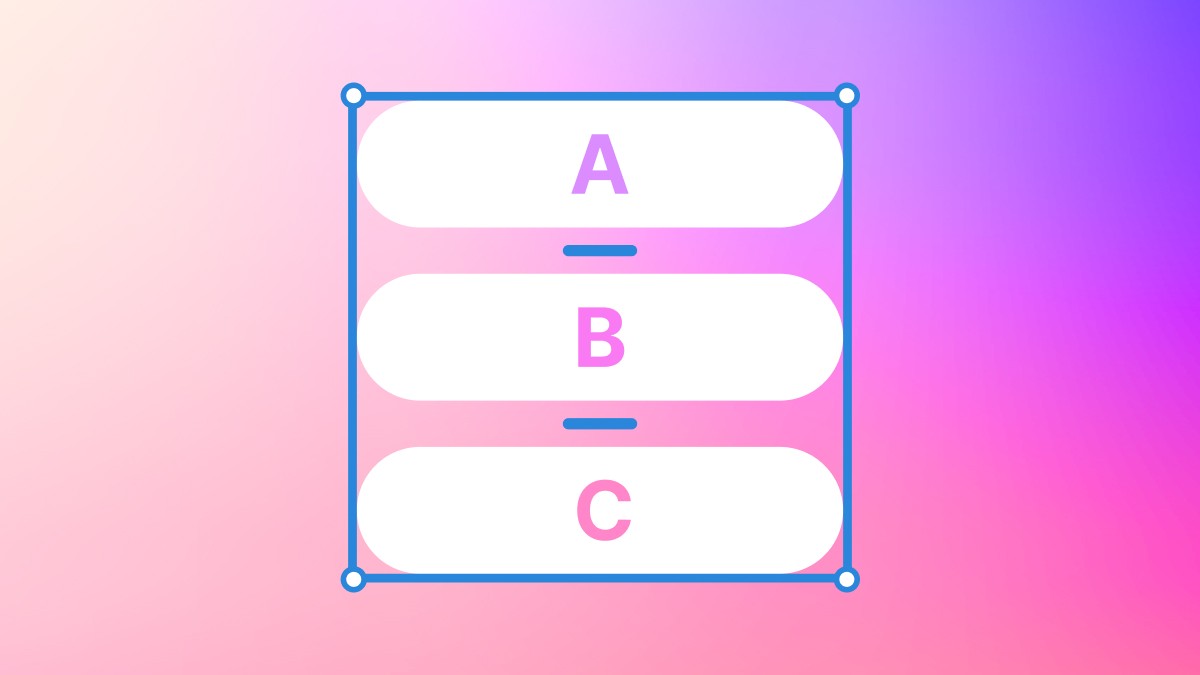
From navigation bars, or navbars, to wrapped stacks of elements, auto-layout is by a long stretch one of Figma's most popular and versatile tools to use.
Auto layout can be added by selecting multiple elements and clicking the '+' icon within to the auto layout section of the design panel.
You can also press shift + a to apply this automatically!
Got a story worth telling?
Let’s turn your brand into the one everyone’s reading about.